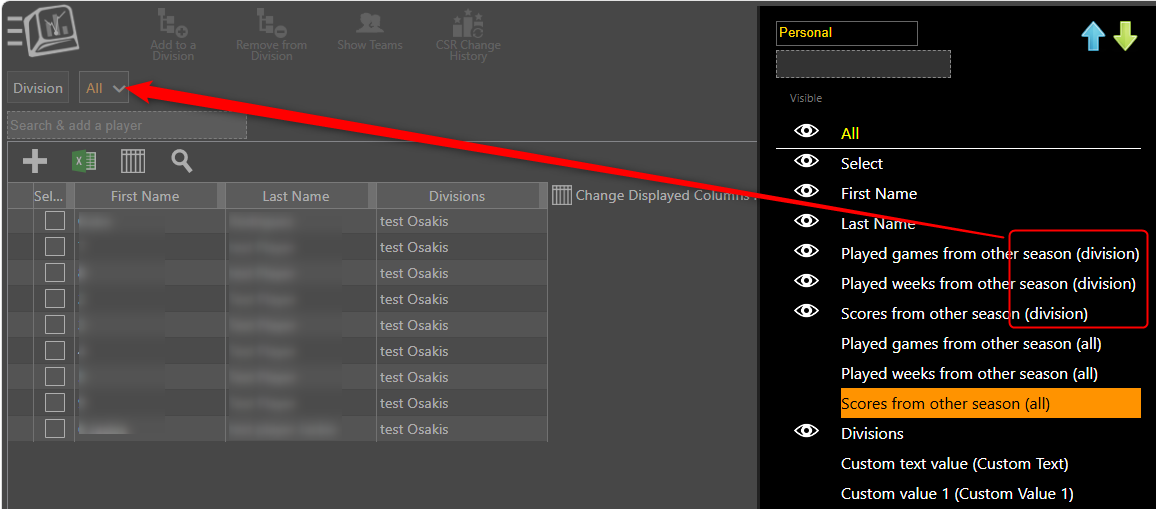
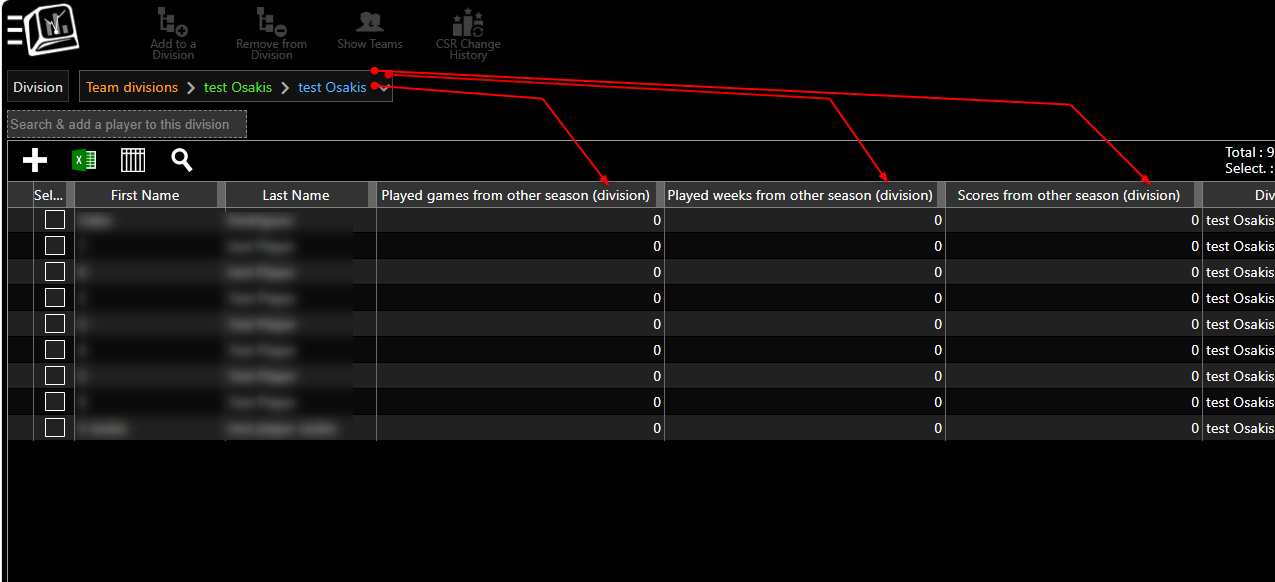
Some columns under Players belong to a specific division. If you are viewing All players or have not selected a division, those columns may not appear.
- Go to Menu > Manage > Players/Teams > Players.
- At the top of the page, select the division you want to work with instead of All.
- Look for the column again. For example, Division Custom Value and Division Custom Text Value store information separately for each division.
- If the column is still hidden, click the Grid icon, turn on the eye next to that column, and Save.
Why? A player can have different values in different divisions. CompuSport needs to know which division's value to show.
Related articles: What is a custom value? and What is the Grid?.