If you are running a bracket with Races and you want the loser side to have 1 less race than the winner side.
First you need to insert the race you want for each player under Custom Value 1, 2 or 3.
Menu > Manage > Players/Teams > Players.
Select the division you want to work with. (Top left)
Make sure you see the Custom Value column you want to use.
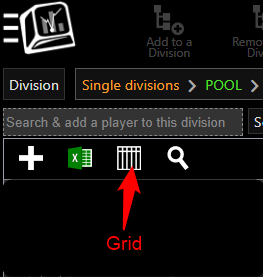
(You can change the order of the columns by clicking the Grid, selecting and dragging the columns.)
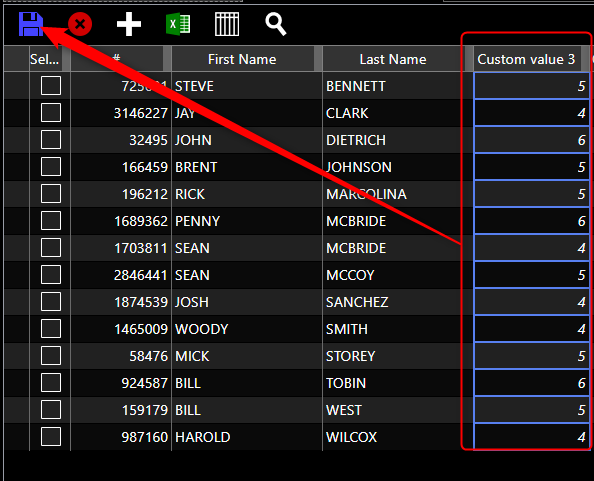
Insert player's Race to under the Custom Value column.
Under Menu > Manage > Divisions > Divisions.
Select the division you want to set to Race to the Custom Value.
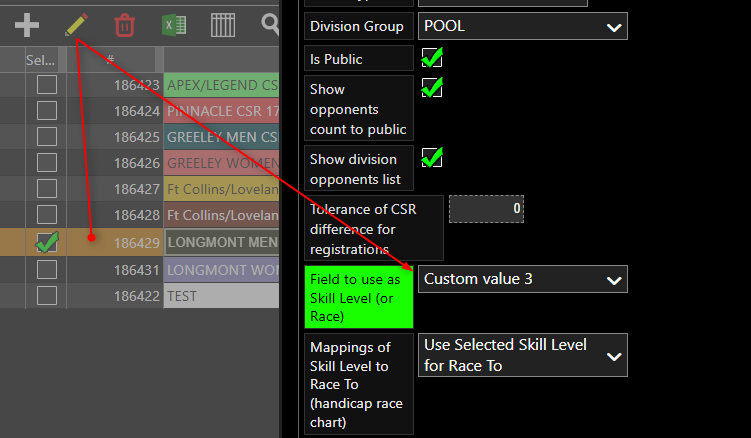
Click the Pencil to edit.
Under Field to use as Skill Level (or race to), Insert the Custom Value you need.
Under Mapping of Skill Level to Race to : Select Use selected Skill Level for Race to
Save.
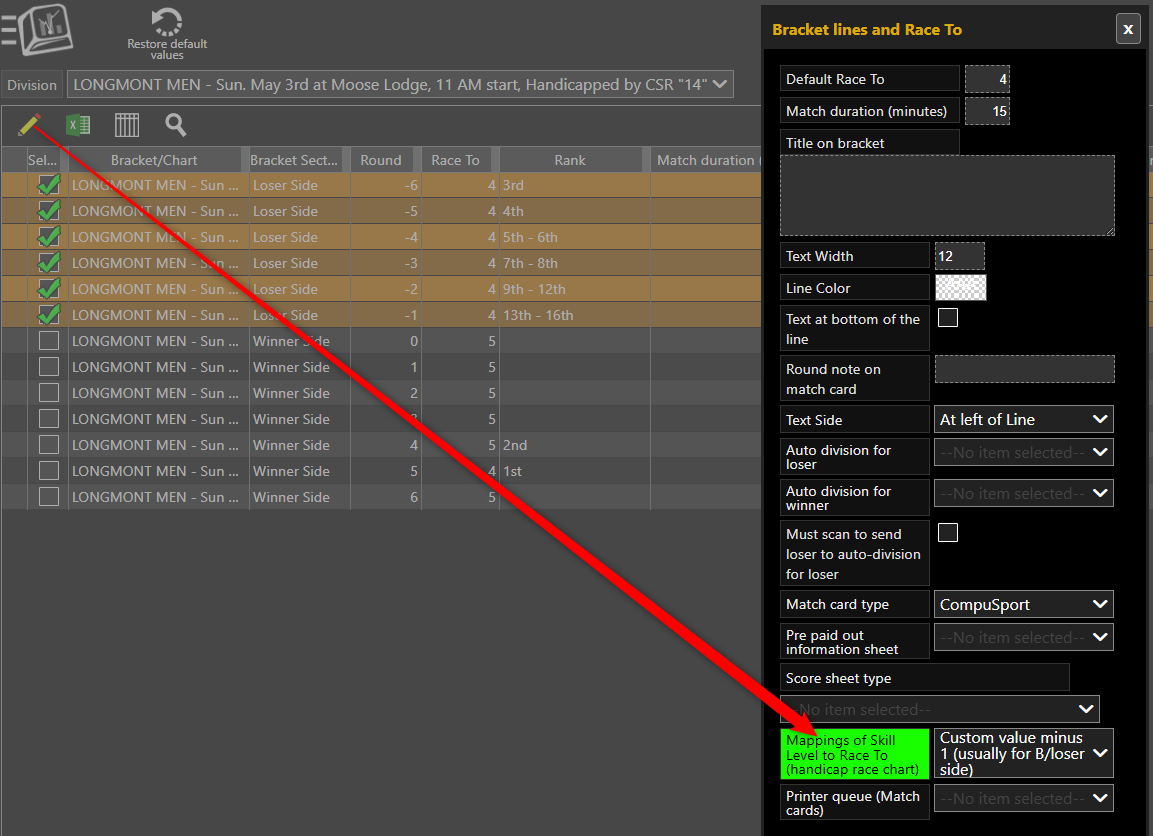
Under Menu > Manage > Brackets/Round-Robin > Bracket lines / Race to
Select the division you want to work with.
Select the loser side rows.
Click the Pencil to edit.
Under Mapping of Skill Level : Select Custom Value minus 1.
The best scoresheet for races is : ID 625
Under Menu > Manage > Brackets/Round-Robin > Bracket.
Select the bracket you want to set.
Click the Pencil to edit.
Go to Score Input section.
Click on the Scoresheet type, select ID 625.
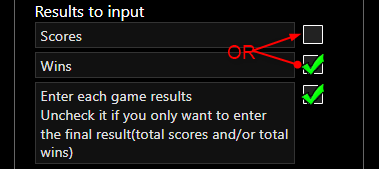
Choose is you want them to enter Scores or Wins.
Strongly recommend checking Enter each game results. This will give your the right amount of boxes needed for the races.