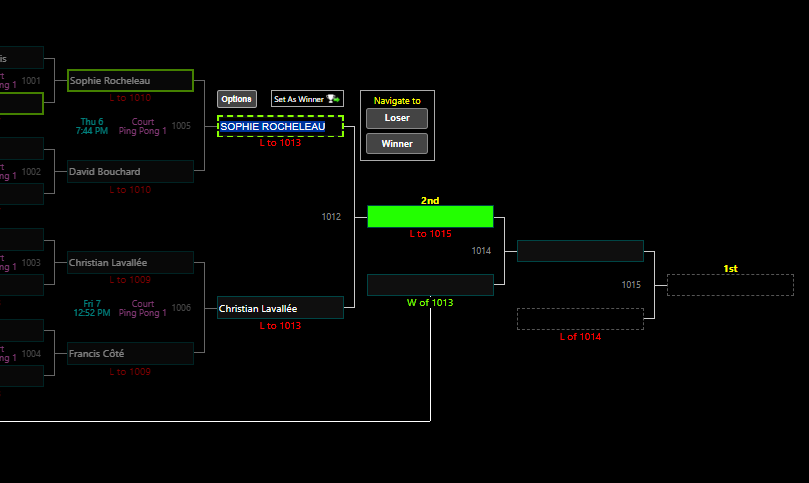
If a player set the wrong winner or a scan was set wrong to advance the bracket.
Go to Menu > Manage > Schedules/Charts > Charts
Search for the player or team at the top right corner.
Click on the bracket you are looking for. this will bring you straight to the player/team in the bracket.
Select the wrong advancement. Back space to erase. Press Enter.
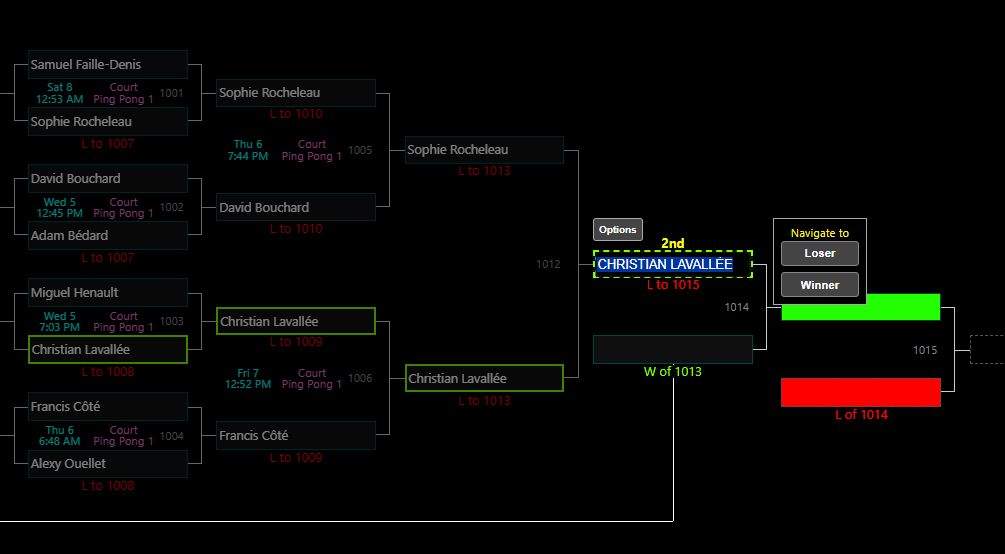
Then click on the right player/team that won. Click on Set as Winner.