
If you want to level your players or teams into their right levels.
*Warning*: You should wait until your registration is closed in order to level.
Go to the Portal.
Click on Tournaments.
Click on All.
Select the tournament.
Click Levelling.
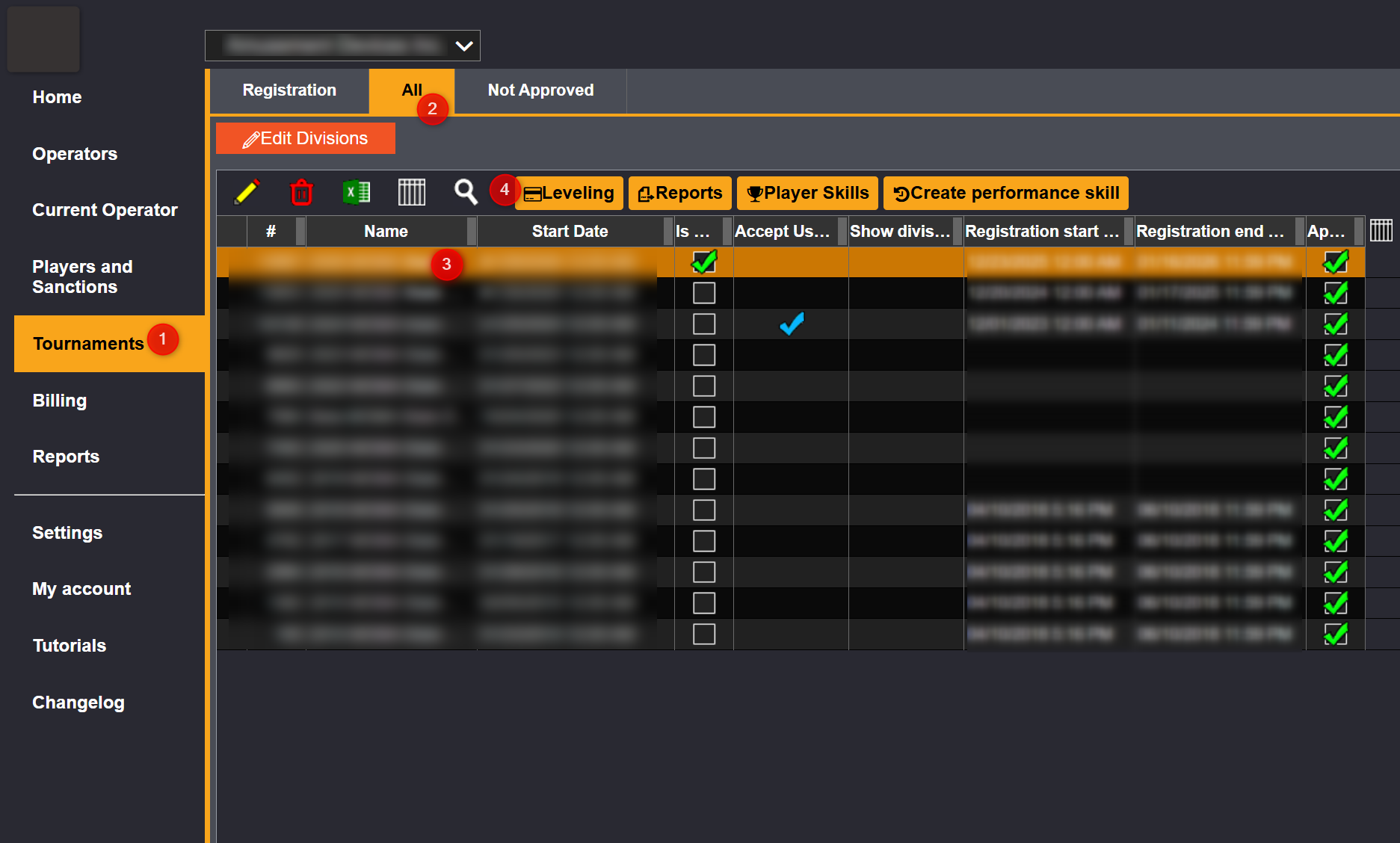
Levelling will bring your to all your divisions that were available for registration:
Click on the division you want to level. 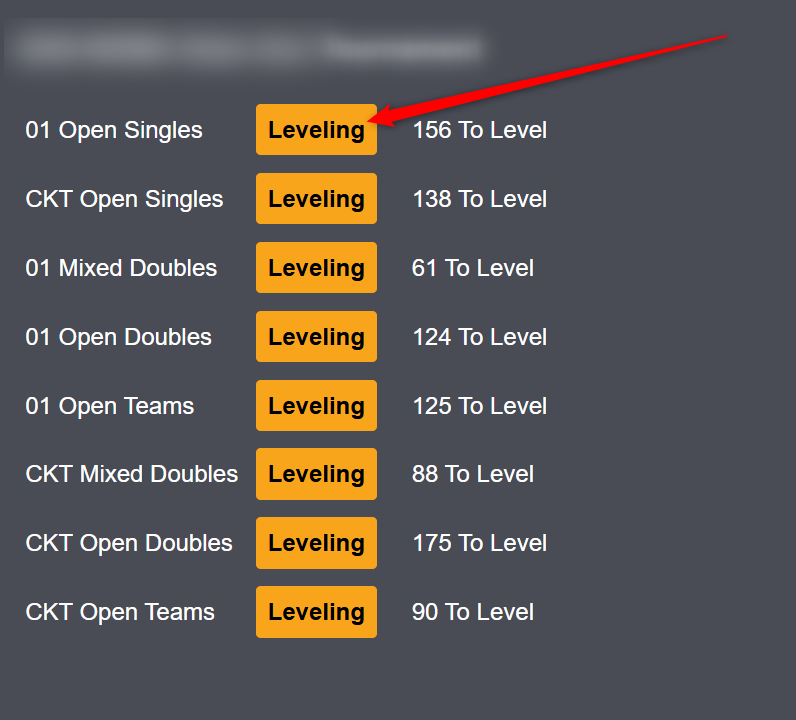
This will bring your to the list of the teams or players in that division.
Click to add the orange line where you want to cut off.
Click on it again if you want to remove it and place it elsewhere.
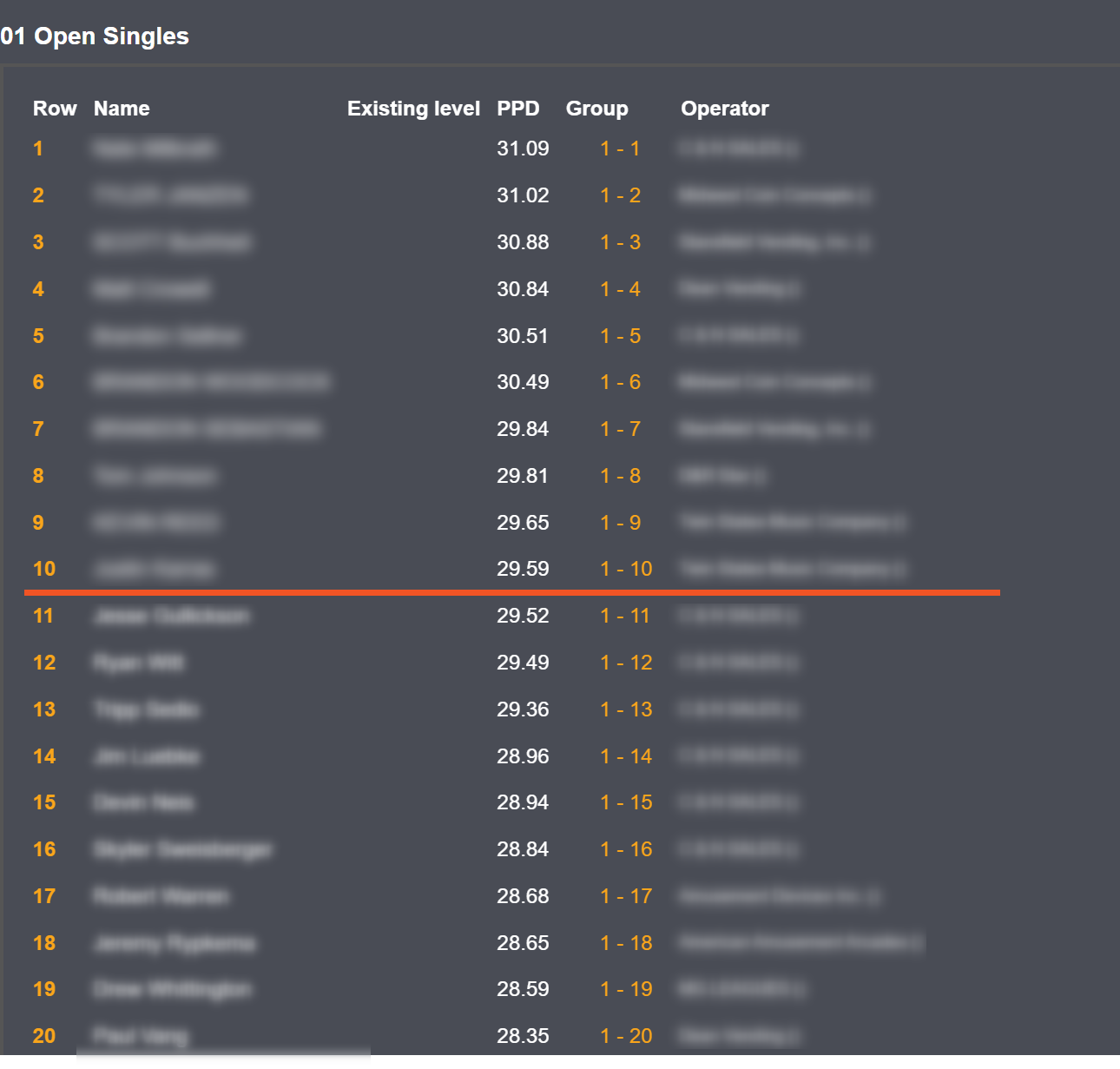
Once you are done. Click on Accept. This will bring the players onto the tournament side.