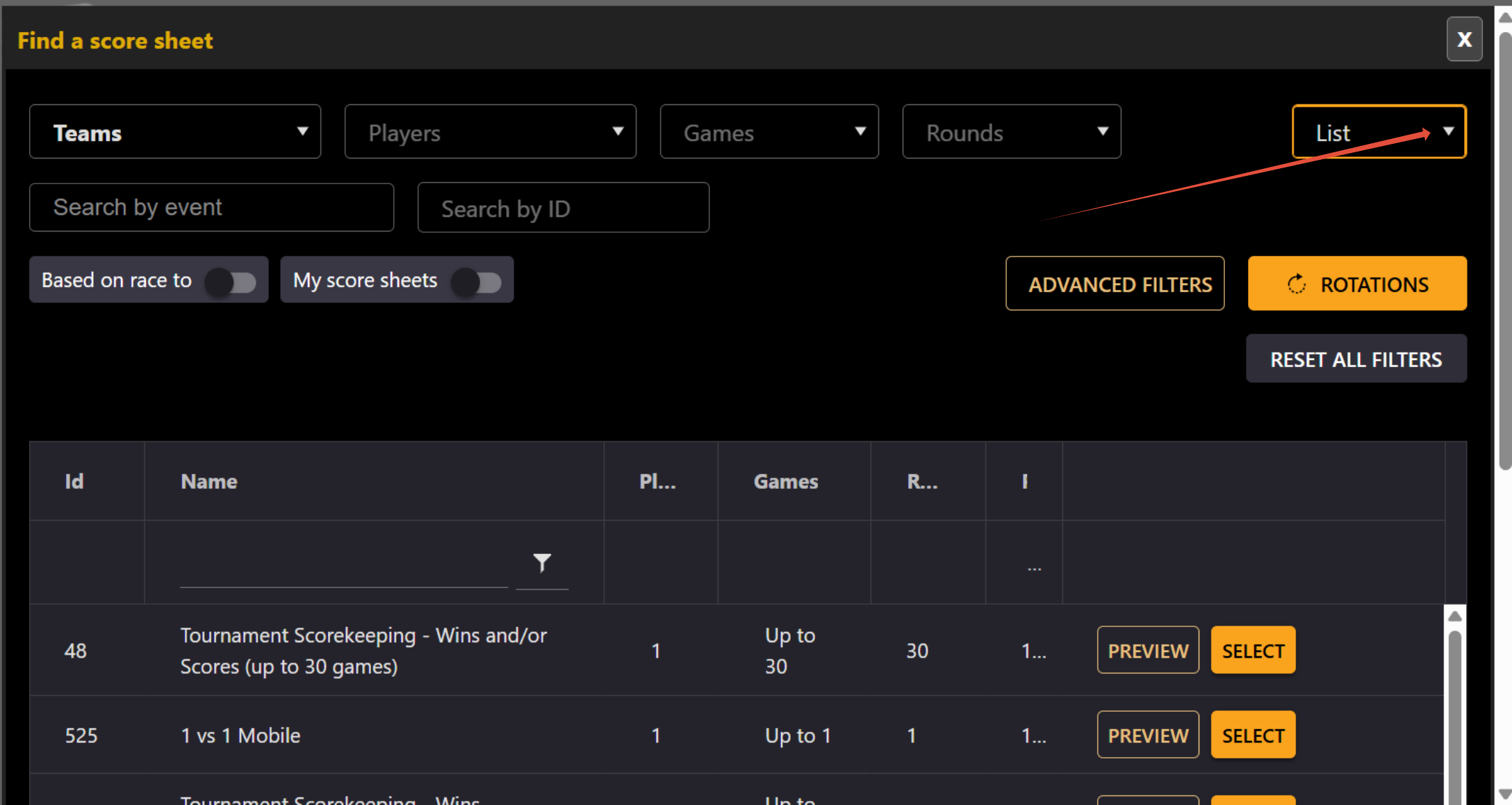
If you are looking for a new or specific scoresheet,
Go to Menu > Manage > Brackets/Round-Robins > Round-Robins or Brackets.
Select the league or bracket you want to set up.
Click Pencil to edit.
*if you don't have a round-robin (league) or bracket created yet. Click on the Plus sign.
Go to Score Input section.
Click on Find a Scoresheet.
Use the scoresheet finder to help you find what you are looking for.
If you don't find it, you can write to info@compusport.us with an image.
We will help you find it or create for you (50$ charge applies for creations).
One thing I really enjoy of the Find a scoresheet.
Once you have put a few filters (number of players, number of games etc)
Click on the List drop down button on the far right.
Select Card view.
This will allow you to see all the scoresheets visually.